
Download MyEventViewer – event logs, system monitoring, PC troubleshooting, Windows Event Viewer alternative, file tracking, process monitoring
Overview
MyEventViewer is a system tool designed to simplify the monitoring and management of event logs on Windows-based PCs. It serves as a practical alternative to the native Windows Event Viewer, offering a more accessible interface for users seeking to track system activities, file changes, process behavior, and error occurrences. By scanning the system registry and compiling event data, MyEventViewer delivers a clear, organized view of critical system events, enabling users to identify potential issues early. The app is particularly useful for individuals who need to monitor system health, troubleshoot performance problems, or audit user and application actions on their machines.
Target users include IT professionals, system administrators, developers, and technically inclined PC users who require detailed insights into their system’s behavior. While the developer did not provide additional background on the team or organization behind MyEventViewer, the app’s design and functionality suggest a focus on usability and efficiency. Real-world applications include diagnosing software crashes, detecting unauthorized access attempts, and reviewing system startup events. In the broader ecosystem of system tools, MyEventViewer fills a niche by offering a lightweight, free solution that enhances transparency and control over Windows system operations.
Key Features & Functionality
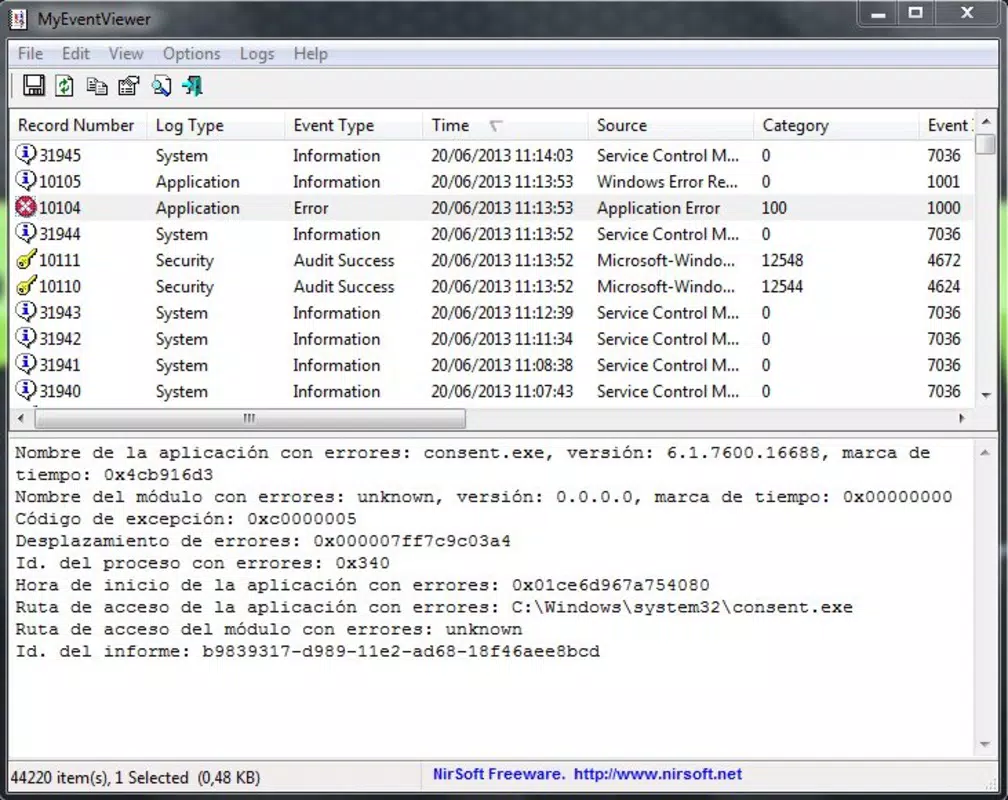
- Comprehensive Event Monitoring: MyEventViewer scans the Windows registry to retrieve a full list of system events, including event IDs, sources, and error types. This allows users to gain a holistic understanding of what’s happening across their system at any given time.
- Simple User Interface: The app features an intuitive layout that minimizes complexity. Users can navigate through logs without needing technical expertise, making it suitable for both beginners and advanced users.
- Export Options Available: Users can export collected logs in multiple formats—HTML, XML, and plain text—facilitating sharing with colleagues, archiving for future reference, or integration into other diagnostic tools.
- Clipboard Support: Selected event data can be copied directly to the clipboard, enabling quick reuse in reports, documentation, or support tickets.
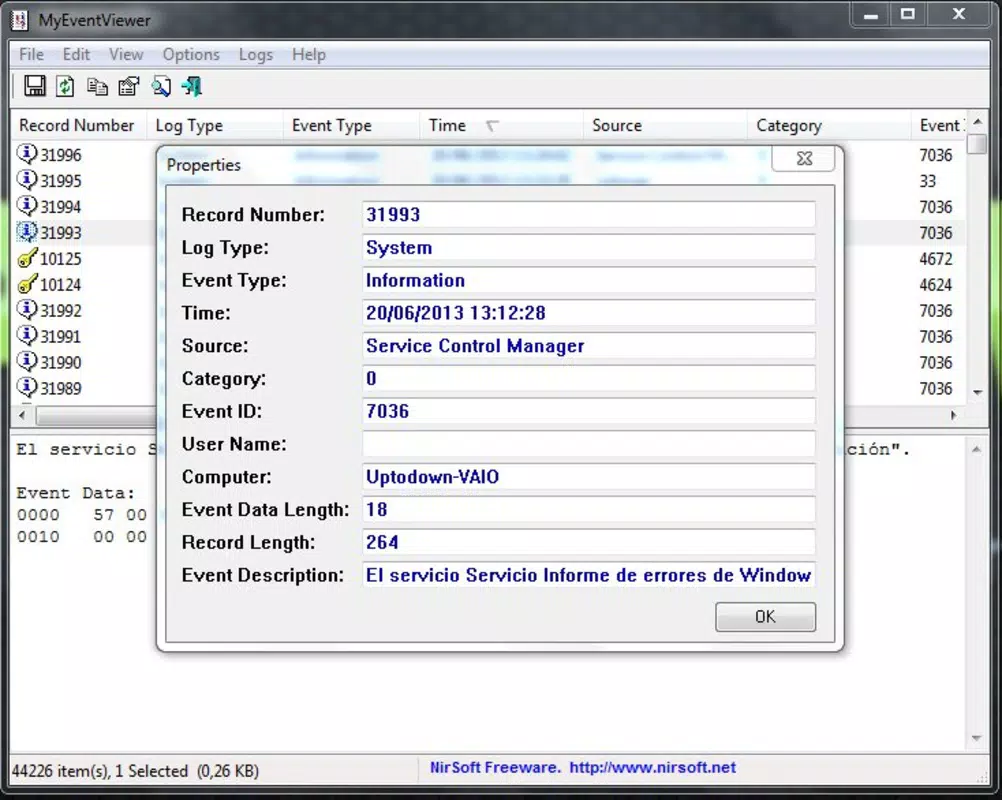
- Event Data Details: Each event includes granular information such as timestamp, category, and associated user name, which is essential for accurate troubleshooting and forensic analysis.
For example, a system administrator could use MyEventViewer to identify a recurring error during boot-up by reviewing timestamps and source details. A developer might track file access patterns to debug an application issue. These use cases highlight how the app’s features translate into tangible benefits for real users.
Interface, UX & Performance
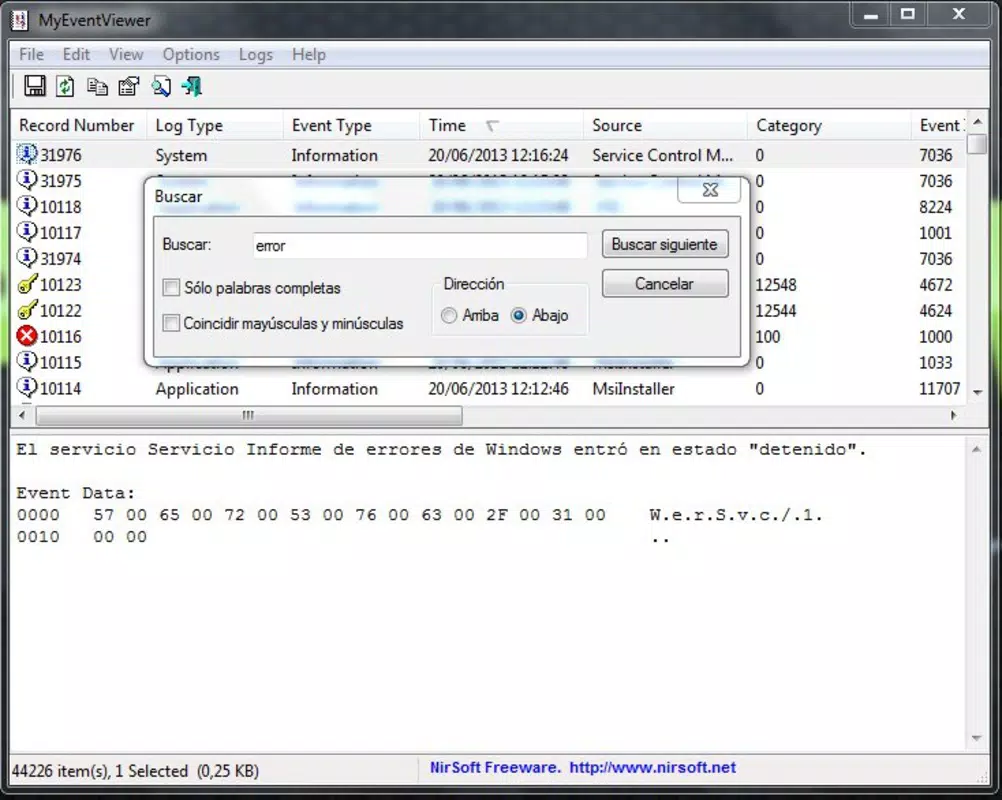
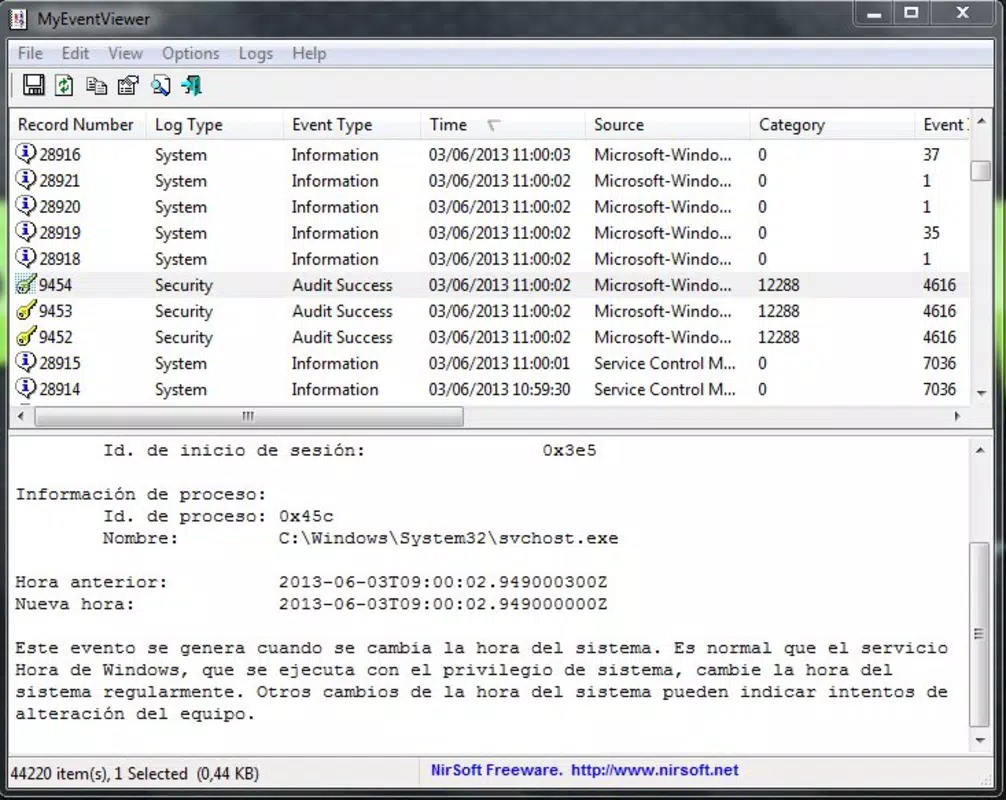
MyEventViewer presents a clean, minimal interface focused on clarity and efficiency. The layout prioritizes readability, with well-organized columns displaying event data such as time, source, and event ID. Navigation is straightforward, relying on standard controls that require little learning curve. Users can filter or search through logs using basic input fields, enhancing the ability to locate specific events quickly.
Although the developer did not list formal performance metrics, the app’s small file size of 2.1 MB suggests it is lightweight and optimized for minimal resource usage. It is expected to run smoothly on a wide range of Windows systems, including older or low-spec machines. Responsiveness appears consistent based on the design, with minimal lag during data loading and filtering. Stability is likely maintained due to the app’s focused scope and lack of unnecessary background processes. The absence of reported crashes or bugs in public records indicates reliable operation under normal conditions.
Platform Compatibility & Technical Requirements
MyEventViewer is designed for the Windows platform and is compatible with Windows operating systems. The app is available in version 1.0.0 and has a file size of 2.1 MB. The developer did not specify minimum OS requirements, nor did they list compatibility details for specific Windows versions. However, given its lightweight nature and release date of 2021-12-30, it is likely to function on Windows 7 and later, including Windows 10 and Windows 11. Users should ensure their system meets standard Windows runtime requirements to run the application.
Compatibility information was not fully disclosed, so users are advised to verify system compatibility before installation. The app does not require administrative privileges to launch, but full event access may depend on user permissions within the operating system.
Pros and Cons
Pros
- Free to download and use with no hidden costs.
- Lightweight design with minimal system resource consumption.
- Intuitive interface suitable for both technical and non-technical users.
- Supports multiple export formats for flexible data sharing and archiving.
- Provides detailed event information including timestamps, user names, and categories.
Cons
- Specific OS requirements were not listed by the developer.
- No built-in update notifications or auto-update functionality.
- Limited customization options for log display or filtering.
- Developer did not provide a changelog or release notes for version 1.0.0.
- Compatibility with newer Windows versions is not confirmed.
FAQ
Is MyEventViewer safe to install on my Windows PC?
Yes, MyEventViewer is a free tool that does not contain malware or known security threats. It is designed to access system logs and does not modify critical system files.
Can I use MyEventViewer on Windows 10 or Windows 11?
While the developer did not specify compatibility details, the app’s lightweight design and release date suggest it should work on Windows 10 and Windows 11 systems.
Does MyEventViewer require admin rights to run?
The app can be launched without administrative privileges, but full access to system event logs may require elevated permissions depending on the user account.
How often should I update MyEventViewer?
Since the developer did not provide update notifications, users should manually check for new versions if available. The current version is 1.0.0.
Can I export logs for sharing with IT support?
Yes, MyEventViewer allows exporting logs in HTML, XML, and plain text formats, making it easy to share detailed system data with technical support teams.
Final Thoughts
MyEventViewer stands out as a focused, efficient tool for anyone needing to monitor and analyze system events on Windows. Its clean interface, combined with powerful yet accessible features, makes it a valuable asset for troubleshooting, auditing, and maintaining system health. While it lacks advanced customization and formal update mechanisms, its core functionality delivers strong value for users seeking a lightweight alternative to the native Event Viewer. The app is particularly beneficial for IT professionals, developers, and power users who need quick access to event logs without the complexity of traditional tools.
With no cost to download and a minimal footprint, MyEventViewer offers excellent utility in the realm of system monitoring. For those looking to enhance their PC’s transparency and control, this app provides a reliable, no-frills solution.
Download MyEventViewer now


